
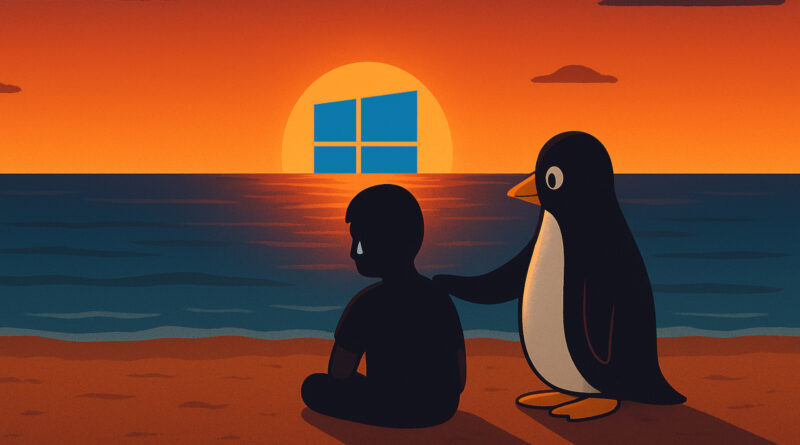
Windows 10 End of Support: What You Should Do Next (2025 Guide)
Microsoft officially ended support for Windows 10 on October 14, 2025.
While your PC won’t shut down overnight, it’s important to understand your options for security, stability, and future updates. In this guide, we’ll break down the three main paths forward:
- ✅ Staying on Windows 10 (temporarily)
- 🐧 Switching to a Linux alternative
- 🪟 Upgrading to Windows 11 — supported or unsupported hardware
1️⃣ Staying on Windows 10 After End of Support
Even though support has ended, you can keep using Windows 10 for a while. Most third-party software, browsers, and antivirus tools will continue to provide updates in the near term. However, there are some key risks:
- ❌ No more security updates from Microsoft
- 🧠 Increased exposure to vulnerabilities over time
- 🚫 Some new apps may eventually stop supporting Windows 10
If you choose to stay on Windows 10:
- Keep a strong, regularly updated antivirus running.
- Use a secure, up-to-date browser.
- Avoid sensitive online activity on this machine if possible.
- Consider disconnecting it from the internet for offline tasks.
👉 This can buy you time — but it’s not a long-term strategy.
🐧 2️⃣ Switching to Linux: The Best Windows 10 Alternative for Older PCs
If your PC doesn’t meet Windows 11 requirements, Linux is a powerful, free alternative. Modern Linux distributions have become extremely user-friendly, making them a great option for everyday users.
Recommended Linux Options:
- ✅ Linux Mint – Lightweight, fast, and familiar to Windows users.
- ✅ Ubuntu – Well-supported, polished, and excellent for general tasks.
With Linux, you get:
- 💻 A secure, stable operating system
- 🧰 Built-in apps for web, media, and office work
- 🔐 Regular security updates — for free
Bonus: You can try Linux from a USB stick without installing it, so there’s no risk to your current setup. For many, this is the smoothest transition away from Windows.
🪟 3️⃣ How to Upgrade to Windows 11
For supported hardware, upgrading from Windows 10 to Windows 11 is straightforward. Simply run Windows Update, and the upgrade option should appear.
If your PC is not supported due to Microsoft’s TPM or CPU requirements, you still have options:
- 🧍 Stay on Windows 10 for now or switch to Linux
- 🧪 Use unofficial methods (such as Rufus install builder) to install Windows 11 on unsupported hardware
⚠️ Important: Unsupported Windows 11 installations may miss updates or lack official support. Always back up your data before making any changes.
🔚 Final Thoughts: Plan Your Move Now
The end of Windows 10 support isn’t an emergency — but it is a turning point. Whether you:
- Stay on Windows 10 temporarily
- Switch to Linux for a free, secure alternative
- Or upgrade to Windows 11 for long-term support
…making a clear plan now will keep your data and devices secure.
👉 Backup first, test your options, and move deliberately. You have choices — use them wisely. If you’re confused or unsteady, we’re here to help! Contact us if you need help with any of these solutions!